
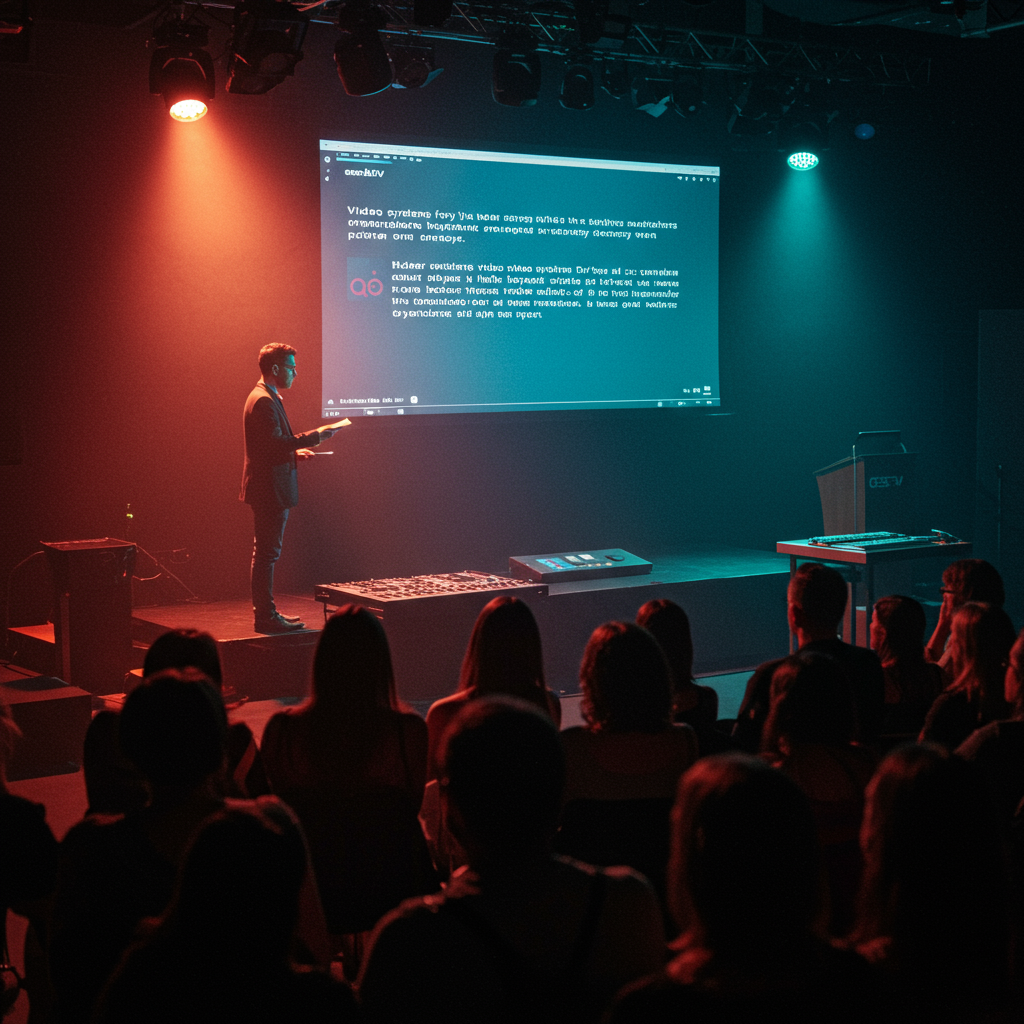
Video Systems for Keynotes: Switchers, Playback, and Redundancy for a Flawless Event
This article offers an in-depth look at the essential technical architecture for high-caliber keynote productions. We cover the selection, configuration, and operation of video systems, with a critical focus on reliability. The goal is to provide technical directors, event producers, and corporate marketing managers with a detailed guide to designing fail-safe systems. We analyze key components, from video mixers to playback servers, and break down redundancy strategies that minimize the risk of interruptions. Key performance indicators (KPIs) such as system uptime (>99.99%), signal latency (<2 frames), and the event’s Net Promoter Score (NPS) are presented, demonstrating how a robust technical infrastructure directly translates into a superior audience experience and a measurable ROI.
Introduction
In the competitive world of corporate events, keynote presentations are the high point that defines the perception of a brand, product, or leader. A technical failure at this crucial moment can have devastating consequences, eroding trust and diluting a carefully crafted message. The success of a high-level presentation depends critically on the keynote video systems switchers and the infrastructure that supports them, including content playback systems and, fundamentally, a multi-layered redundancy strategy. This technological ecosystem, often invisible to the audience, is the backbone that ensures a smooth, professional, and uninterrupted delivery, allowing the speaker and the content to shine. The methodology presented below is based on a systems engineering approach applied to live event production. It’s not just about selecting the most expensive equipment, but about designing a coherent signal flow, anticipating potential points of failure, and establishing action protocols for each contingency. We will measure success not only by the absence of errors, but also through specific KPIs: Mean Time to Recovery (MTTR) of less than 1 second, deviation from the technical script of less than 1%, and a technical satisfaction score from both the client and the presenters exceeding 95%. This article will serve as a comprehensive manual for planning, implementing, and evaluating video systems for keynotes that meet the highest industry standards.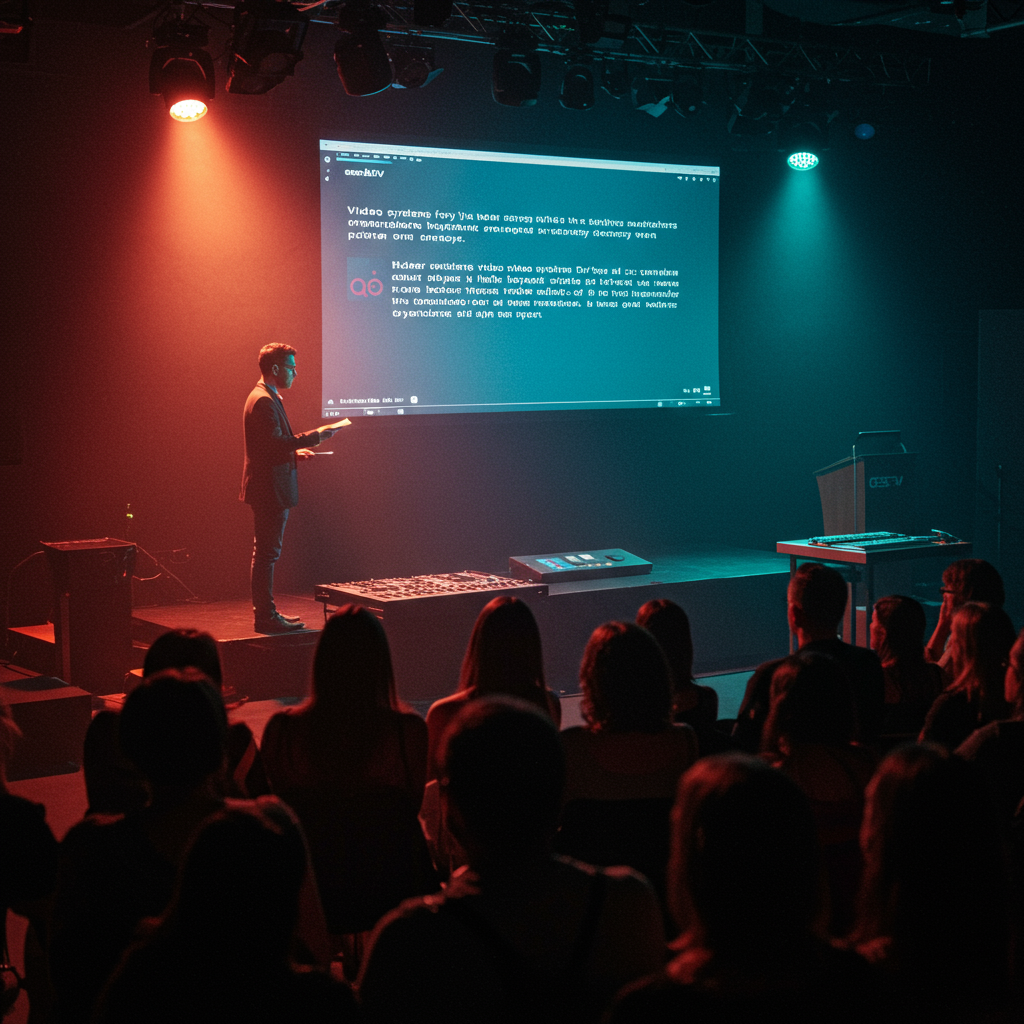
Vision, Values, and Proposal
Focus on Results and Measurement
Our vision is “zero-fail production.” We believe that any technical disruption at a live event is preventable through meticulous planning, the use of professional-grade equipment, and highly skilled personnel. We operate under the Pareto principle (80/20), focusing 80% of our efforts on the 20% most critical components of the system: the main video mixer, the primary playback sources, and signal distribution. Our values are rooted in reliability, precision, and composure under pressure. The value proposition is simple: we offer peace of mind. We guarantee that technology will be an enabler of the message, not a distraction, allowing our clients to focus on their content and their audience. The technical standards we follow are based on the recommendations of the Society of Motion Picture and Television Engineers (SMPTE) for signal transport and color management, ensuring compatibility and the highest visual quality. Reliability as an Absolute Priority: Every system design begins with a risk analysis and the implementation of at least N+1 redundancy in all critical components. Accuracy in Execution: Complete technical rehearsals (cue-to-cue) are performed, simulating the actual event and verifying every transition, video, and graphic. The goal is zero deviation from the technical script. Investment in Talent: Operators are not just “button-pushers.” They are certified technicians on the systems they operate (e.g., Barco E2, Grass Valley Korona) with demonstrable experience in high-pressure environments.- Equipment Decision Matrix: The choice of a switcher or media server is not based on the brand, but on a matrix that evaluates latency, number of layers, hardware/software reliability, and ease of integration into the proposed workflow.
Services, Profiles, and Performance
Portfolio and Professional Profiles
We offer a full range of video engineering and operations services for events, designed to ensure flawless productions. Our portfolio focuses on the design and implementation of robust keynote video systems switchers and audiovisual ecosystems. Our services include: video system design, technical direction, switcher operation, media server (playback) management, projection and LED engineering, and signal management for broadcast and streaming. We have specialized professional profiles such as the Technical Director (responsible for the overall workflow), the Video Engineer (V1, responsible for signal quality and equipment), the Switcher Operator (responsible for live mixing), and the Playback Operator (responsible for launching videos and graphics).Operational Process
- Discovery and Design Phase (Weeks -4 to -2): Meetings with the client to understand the objectives. Development of detailed signal flow diagrams. KPI: Final design approval with 100% clarity on deliverables.
- Pre-production and Testing Phase (Week -1): Preparation and testing of equipment in the warehouse. Loading and verification of all multimedia content. KPI: 0% hardware failures or file incompatibility during bench tests.
- Assembly and Integration Phase (Days -2 to -1): Physical installation at the location. Cabling, configuration, and end-to-end signal testing. KPI: Assembly completed 15% ahead of schedule.
- Rehearsal and Show Phase (Event Day): Full technical rehearsal with speakers. Live operation of the event. KPI: Live operation error rate < 0.1%.
- Dismantling and Post-mortem Phase (Day +1): Safe and efficient dismantling. Internal and client evaluation meeting. KPI: Client NPS greater than 9.
Tables and Examples
Positive media coverage.Speaker satisfaction >98%.| Objective | Indicators | Actions | Expected Result |
|---|---|---|---|
| Corporate Keynote (500 pax) | System Uptime >99.9%; MTTR <; 5s | Primary and backup switchers (e.g., ATEM Constellation), redundant A/B playback with automatic failover switcher. | Zero visible interruptions for the audience. Seamless transition to backup. |
| Global Product Launch (Streaming + Live) | Streaming latency <10s; Perfect audio/video synchronization. | Use of production switchers (e.g., Ross Carbonite), genlock on all sources, redundant streaming encoders. | High-quality, lag-free experience for the global audience. |
| Multi-session Medical Conference | Color accuracy (Delta E < 2); Readability of complex data. | Calibrated 4K laser projectors, high-quality scalers (e.g., Barco ImagePRO), EDID management. | Maximum clarity in the display of medical images and scientific data. |

Representation, Campaigns and/or Production
Professional Development and Management
The flawless execution of a high-level keynote is a complex production that requires expert-level logistical management. Our process encompasses everything from selecting and sub-renting equipment from certified suppliers to coordinating with the venue’s IT and operations departments to ensure power and network requirements are met. We manage a detailed production schedule that is shared with all stakeholders, ensuring that every milestone, from content delivery to the start of technical rehearsal, is met on time. A critical part of our management is contingency planning, which goes beyond hardware.-
- Critical Logistics Checklist:
- Confirmation of power requirements (distribution, amperage, phases) with the site electrician at least 2 weeks in advance.
- Review of CAD drawings to verify lines of sight, projection shots, and FOH (Front of House) location.
- Staff Contingency Plan: Availability of an on-call technician in case of illness of the primary operator.
- Verification of loading and unloading routes, schedules, and site access permits.
- Equipment Contingency Plans:
- Local Stock of Spare Parts: We maintain a kit with fiber optic cables and signal converters (SDI to Fibre, HDMI to SDI), and spare power supplies on-site.
- Agreements with local suppliers: For larger components (projectors, switchers), we have replacement agreements with local rental companies that can be set up in under 4 hours.
- “Cold” backup system: In addition to the “hot” backup system (online and ready to take over), a third system (e.g., a smaller mixer) is available to perform the most basic functions in the event of a catastrophic failure of the first two.
- Critical Logistics Checklist:

Content and/or Media That Convert
Messages, Formats, and Optimization for Live
The best video system in the world is useless if the content isn’t ready for playback in a live environment. “Conversion” in this context is the audience’s seamless assimilation of the message, without technical distractions. We work closely with content creators to ensure all media assets meet optimal technical specifications. This includes defining video codecs (e.g., Apple ProRes 422), native resolutions for the displays used, and image formats that avoid destructive compression. A key aspect is managing speaker presentations. A strict deadline is set for slide submission (typically 48 hours before the event) to allow for conversion to a stable playback format and integration into the control system. The selection and configuration of the keynote video system switchers are designed to enhance the content, enabling dynamic picture-in-picture (PiP) compositions to display the speaker alongside their slides simultaneously. Defining Technical Specifications (Week -3): A “Content Specifications” document is created and distributed to all speakers and creative agencies. It includes resolution, aspect ratio, codecs, and PowerPoint/Keynote templates. Responsible: Technical Director.- Content Reception and Triage (Day -3 to -2): All content is received. A dedicated technician (Content Operator) reviews each file to verify its compatibility and quality. Responsible: Content Operator.
- Conversion and Ingest (Day -2): Video files are transcoded if necessary. Presentations are converted to still images or loaded onto dedicated presentation computers. They are imported to the main and backup media servers. Responsible: Playback Operator.
- Cue Script Creation (Day -1): The playlist is built in the control software, assigning a cue number to each video, graphic, or slide, in sync with the presenter’s script. Responsible: Technical Director / Playback Operator.
- Content Rehearsal (Day -1 / Day 0): Each multimedia element is played on the event screens to verify its correct display, colorimetry, and timing. Responsible: The entire technical team.

Training and Employability
Demand-Driven Catalogue
Event technology is evolving rapidly, creating a constant demand for qualified professionals. We offer a training catalogue designed to equip the next generation of live event video technicians with a practical approach focused on the real needs of the market.- Module 1: Video Signal Fundamentals (40 hours): From analog video to 12G-SDI and Video over IP (SMPTE 2110). It includes concepts of resolution, frame rate, color space, genlock, and timecode.
- Module 2: Production Switcher Operation (60 hours): Hands-on training on industry-standard platforms such as Blackmagic ATEM, Ross Carbonite, and Barco Event Master. Focuses on creating M/Es, macros, and DVEs.
- Module 3: Media Server and Playback Management (50 hours): Use of software such as Playback Pro, QLab, and Resolume Arena. It covers content management, playlist creation, and system synchronization.
- Module 4: Systems Design and Redundancy (40 hours): Focused on creating signal flow diagrams, analyzing failure points, and designing backup architectures for keynote video systems switchers and the entire signal chain.
- Module 5: Troubleshooting in High-Pressure Environments (30 hours): Simulation of common failures in a laboratory environment and development of troubleshooting protocols under time pressure.
Methodology
Our training methodology is 70% practical and 30% theoretical. Students work with real equipment in a controlled environment. Assessment is conducted using rubrics that measure competence in specific tasks (e.g., “Set up a PiP composition on a Barco E2 switcher in under 5 minutes”). Upon completion of the training, students undertake practical experience at real events under the supervision of a senior technician. We maintain an active job placement service and collaborate with leading event rental and production companies to facilitate job placement. It is expected that 85% of graduates will secure skilled employment within 6 months of completing the course.Operational Processes and Quality Standards
From Request to Execution
A standardized operational process is key to consistency and quality. Our pipeline is designed to be transparent, auditable, and focused on preventing problems. Diagnosis (Phase 1): We receive the client’s request. An initial meeting is held to define the scope, creative vision, and KPIs of the event. Deliverable: Client Requirements Document. Acceptance Criteria: Client signature. Proposal and Design (Phase 2): Our engineering team develops a technical solution, including a preliminary equipment list and a signal flow diagram. Deliverable: Technical and Financial Proposal. Acceptance Criteria: Approval of the budget and technical concept. Pre-production (Phase 3): Staff is assigned, equipment is reserved, and logistical coordination begins. A detailed production schedule is established. Deliverable: Final Project Plan and Flowcharts. Acceptance Criteria: Confirmation of all resources and approval of the schedule by the client.- Execution (Phase 4): Includes setup, rehearsals, and operation of the event. Daily team meetings (scrums) are held to review progress and resolve impediments. Deliverable: Live event execution. Acceptance Criteria: Compliance with the technical script with a deviation of less than 1%.
- Closure (Phase 5): Dismantling, return of equipment, and a post-mortem meeting with the client to review performance against KPIs. Deliverable: Final Performance Report. Acceptance Criteria: Acceptance of the report and project closure.
Quality Control
- Defined Roles: The Technical Director is ultimately responsible for quality. The Video Engineer (V1) is responsible for signal integrity. The Switcher Operator is responsible for executing cues.
- Issue Escalation: Any technician can stop an action if they detect a risk to production (“stop-the-line authority”). Issues are immediately escalated to the Technical Director.
- Acceptance Indicators (SLAs): System uptime: >99.99%. End-to-end signal latency: <4 frames. Cue execution accuracy: >99.5%.
| Phase | Deliverables | Control Indicators | Risks and Mitigation |
|---|---|---|---|
| Design | Signal flow diagrams, equipment list. | Peer review of the design; Format compatibility verification. | Risk: Equipment incompatibility. Mitigation: Use only equipment tested together; Consult compatibility databases. |
| Pre-production | Bench tested equipment, content verified. | Bench test checklist 100% complete; 0% corrupt media files. | Risk: Equipment failure upon arrival at the event. Mitigation: 4-hour stress test for all critical components (switchers, servers). |
| Execution | Flawless live event. | Constant signal monitoring (vectorscope/waveform); clear intercom communication. | Risk: Human error. Mitigation: Dual operators in critical positions; use of macros for complex sequences; Exhaustive testing. |
Application cases and scenarios
Case 1: Global Smartphone Launch (Hybrid Event)
A tech giant needed to launch its new flagship phone at an event for 1,500 people in San Francisco, with a live broadcast to millions of viewers. The challenge was the seamless integration of multiple 4K cameras on stage, live product demos, video feeds from remote designers via IP, and complex motion graphics on a 20-meter-wide LED screen. A system was designed based on a Barco E2 production switcher with 28 inputs and 14 outputs, operating in 4K. Redundancy was comprehensive: a second, identical E2 chassis was used in mirroring mode, ready to take over in less than 200 milliseconds. Playback was managed with a cluster of four Disguise media servers (two primary, two backup). The result was a production without a single dropped frame, with smooth transitions and an immersive experience for both the live and online audiences. KPIs achieved: 100% uptime, global streaming latency of 8 seconds, and an ROI measured by a 15% increase in product pre-orders in the 24 hours following the event.Case 2: Annual Conference of a Pharmaceutical Company (Multiple Scenarios)
A conference for 3,000 delegates with a main plenary session and five simultaneous breakout rooms. The challenge was to maintain brand consistency and technical quality across all rooms while managing a constant flow of speakers with their own presentations. A centralized content management system was implemented. All presentations were uploaded to a central server and distributed via fiber optic cable to each room. A Barco S3-4K presentation system was used in the plenary room. For the breakout rooms, more compact but equally reliable solutions were chosen: Roland V-600UHD mixers. This resulted in a 20% cost saving compared to using large-format systems in all the rooms. A dedicated Speaker Ready Room was set up with technicians to review and adapt speakers’ presentations. KPIs achieved: Speaker satisfaction score of 4.8/5, 0% of sessions delayed due to technical issues, and a cost per attendee of €112 for A/V, 10% below budget.Case 3: Annual Shareholders Meeting (High Security and Streaming)
A Fortune 100 company required a solution for its annual shareholders meeting, with an extreme focus on the security and reliability of the live stream to investors. The video system not only had to be redundant, but the signal distribution network also had to be completely isolated from any external network. A Ross Video Ultrix switching system was used, which combines video routing and multiviewers in a single chassis, reducing points of failure. All signals were transported over a dedicated fiber optic network. Streaming was done through two completely independent encoding chains, with different internet service providers. The electronic voting system was integrated directly into the video stream to display results in real time. KPIs achieved: Zero security breaches, 100% reliability in transmission to a verified audience of 50,000 investors, and compliance with all SEC regulations for shareholder communications.Case 4: Local TEDx (Limited Budget, High Expectations)
A local TEDx event wanted to achieve broadcast-quality production with a limited budget. The challenge was to create a reliable and versatile system without accessing high-end equipment. The solution was based on the Blackmagic Design ecosystem. An ATEM Television Studio HD8 ISO switcher was used, which not only allowed mixing up to eight cameras but also enabled recording each input in isolation for post-production—a key requirement for TED. For playback, instead of a dedicated media server, two synchronized MacBook Pro computers running QLab software were used, with video output via Blackmagic UltraStudio cards. Redundancy was achieved by having a second ATEM Mini Pro switcher ready to be connected in case of failure of the primary one. This pragmatic approach allowed for high-quality production at a cost of 70% less than that of a traditional system. KPIs achieved: Production completed 15% under budget, delivery of all edited videos within one week thanks to ISO recordings, and an audience score of 9.5/10.Step-by-step guides and templates
Guide 1: Checklist for Designing a Redundant Video System
- Source Analysis: List all video sources (cameras, presentation laptops, media servers, remote feeds). Determine the resolution and frame rate of each.
- Backup Source: For each primary source, define an identical backup source. For presentation laptops, use an automatic switching device such as a decimator design d-mon. For media servers, use two synchronized machines.
- Selection of the main switcher: Choose a switcher that has at least 25% more entries than you need. Verify that it supports the required signal formats.
- Selection of the backup switch: The ideal backup is an identical model to the main one. If the budget is a problem, choose a smaller model that can manage the most critical entries (eg, the main presentation and the main camera).
- Signal distribution: Use distribution amplifiers (DAS) to send a signal to multiple destinations (eg, to the main switcher and backup simultaneously). Plan a redundant wiring path.
- Energy Management: Connect the main and backup system to different electrical phases. Always use uninterruptible power supply (SAI/UPS) for all critical equipment.
- Switching plan: Define the exact procedure to switch to the backup system. Will it be automatic or manual? Who makes the decision? Practice this procedure.
- Flow chart: Draw the entire system, clearly showing the primary and secondary signal paths. This document is vital for assembly and troubleshooting.
Guide 2: Configuring an A/B playback system
- Hardware Idéntico: Purchase two identical computers (e.g., 2x Mac Studio M2 Max). This removes variables in performance.
- Software and Synchronized Content: Install the same version of Playback software (eg Playback Pro Plus) on both machines. Use a cloud sync service (Dropbox, Resilio Sync) or an external hard drive to ensure the content is identical on both.
- Video outputs: Connect each computer to a separate input from the video switcher. Clearly label them as “Playback A” and “Playback B”.
- Control Sincronizado: Use a MIDI controller (eg, Behringer X-Touch) or a device like the Interspace Industries MasterCue v7 to send “play” and “stop” commands to both computers simultaneously. This ensures that, if you need to change from one to another, they will be at the same point.
- Fault test: During tests, simulate a fault on machine A (eg, disconnecting the video output). Practice transitioning to machine B on the switcher. The change must be invisible to the audience. Measure the time it takes for the operator to react; The target is less than 1 second.
Guide 3: Technical Test Protocol (CUE-TO-CUE)
- Reunión Previa: Before you start, gather the whole team (technical director, video operators, audio, lights, alderman) to review the script and the objectives of the test.
- System check: Verify that all systems are operational. Put a 1 kHz color and tone bar across the entire signal chain to confirm connectivity.
- Start of the script: The alderman (show caller) will begin to call the “cues” (indications) from the beginning of the script. For example: “Standby in video 101. Standby on camera 2.”
- Execution and verification: Operators prepare their cues. When the alderman says “GO”, they execute the action. The technical director checks on the monitors that the result is as expected.
- Advance to the following cue: You don’t need to watch every full video. Once it has been verified that a cue is executed correctly, the alderman will say “Let’s advance to the next cue”, and will skip to the start of the next transition or technical event.
- Note taking: An assistant or the technical director himself must take detailed notes of any problems, doubts or adjustments necessary. For example: “Cue 203: The name chart appears too slow. Adjust macro speed.”
- Repetition of problems: If a CUE does not function correctly, the process is stopped, the problem is solved, and the cue is repeated until it is executed perfectly three times in a row.
- Completion: At the end of the script, a short meeting is held to review the notes and assign tasks to solve the pending points before the show.
Internal and external resources (no links)
Recursos internos
- Standard template of signal flow diagram (Visio/Omnigraffle).
- Checklist of equipment preparation in warehouse.
- Technical Specification Document for Customers.
- Internal computer compatibility and firmware versions database.
- Guide to good practices for wiring and labeling.
Reference external resources
- Standards of the Society of Motion Picture and Television Engineers (SMPTE) for video signals.
- Recommendations of the Audio Engineering Society (AES) for audio embedded in SDI (AES3).
- Publications and forums of the Production Music Association (PMA).
- Local regulations on electrical safety and assembly of temporary structures.
- Training guides and certification of manufacturers such as Barco, Ross Video, Blackmagic Design.
Preguntas frecuentes
What is a video switcher and why is it crucial for a keynote?
A video switcher, also known as a video mixer, is a device that allows you to select and toggle between multiple video sources (cameras, computers, video players) to create a single program output. It is crucial because it is the brain of live production; It allows smooth transitions, effects such as picture-in-picture, and the ability to instantly react to the needs of the event, guaranteeing a professional and uninterrupted visual experience.What does “n+1 redundancy” mean?
N+1 is a design principle for reliability. “n” represents the number of components required for a system to work. “+1” means you have an additional backup component. For example, if a media server (n=1) is needed, an n+1 configuration would have two servers. If one fails, the other can assume its function, thus avoiding a total failure of the system.What is the difference between a production switcher and a presentation switcher?
A presentation switcher (such as an S3 boat or Analog Way Ascend) is optimized for corporate environments, with a focus on high resolution, multi-layer management and “seamless” switching (no black jumps). A production switcher or broadcast (like a Ross Carbonite or Grass Valley Kayenne) is designed for TV environments, with a focus on camera work, real-time effects (DVES), and extremely low latency, often less than one frame.Why is it important to manage the presentations of the speakers instead of letting them use their own laptops?
Allowing speakers to use their own laptops introduces an unmanageable number of variables: different operating systems, software versions, video adapters, resolutions, and the possibility of hardware or software failures. Centralizing all presentations on dedicated and controlled computers by the technical team eliminates these variables, guarantees compatibility and allows the creation of backups, dramatically increasing the reliability of the event.What is “genlock” and why is it important?
Genlock (Generator Locking) is a process that synchronizes video signals from all sources (especially cameras) to a common reference signal. This ensures that all devices scan and display the video frames exactly at the same time. It is vital in productions with multiple cameras to avoid jumps or visual artifacts when switching from one camera to another on the switcher.Conclusion and call to action
Excellence in video production for Keynotes is not an accident; It is the result of rigorous systems design, meticulous planning and impeccable execution. As we have seen, the heart of this operation lies in the correct selection and configuration of the keynote video systems switchers, supported by a solid content reproduction strategy and, above all, a fail-safe redundancy architecture. By adopting a process-based approach, with clear KPIs such as uptime greater than 99.99% and a near-zero MTTR, the technical uncertainty is transformed into predictable reliability. This not only protects the investment of the event, but also elevates the brand and ensures that the central message is delivered with the maximum possible impact. Do not leave the most critical piece of your event at random. If you are looking to ensure that your next Keynote is technically impeccable and memorable for the right reasons, it’s time to act. Contact our team of specialists for a consultation without commitment. We will evaluate your needs and design a technical solution as it provides you with the peace of mind and the results you require.Glosario
- Switcher (Mezclador)
- Central device that allows you to select and combine multiple video sources in a single program output.
- Redundancia
- The duplication of critical components or functions of a system with the intention of increasing its reliability, generally in the form of a backup or security system.
- Playback
- Term used to refer to pre-recorded media playback, such as videos, graphics, or audio tracks, during a live event.
- SDI (Serial Digital Interface)
- A family of SMPTE standardized digital video interfaces to transmit uncompressed and unencrypted digital audio and video signals.
- Genlock
- Process of synchronizing multiple video devices to a single reference signal to ensure that your frames are aligned in time, allowing clean switchings.
- MTTR (Mean Time to Recovery)
- Average time it takes to recover a system from a fault. In live events, the goal is to make it as close to zero as possible.
Internal links
- Click here👉 https://ca.esinev.education/diplomates/
- Click here👉 https://ca.esinev.education/masters/
External links
- Princeton University: https://www.princeton.edu
- Massachusetts Institute of Technology (MIT): https://www.mit.edu
- Harvard University: https://www.harvard.edu
- Stanford University: https://www.stanford.edu
- University of Pennsylvania: https://www.upenn.edu